Dental Office HIPAA Physical Safeguards: A Complete Guide
Secure every room in your practice. DDS Rescue helps dental offices satisfy HIPAA physical safeguard requirements. Book a real risk assessment today.
Key Takeaways
- Physical safeguards under 45 CFR § 164.310 protect ePHI through facility access controls, workstation use, workstation security, and device/media controls.
- Workstation use, workstation security, disposal, and media re-use are Required specifications that must be implemented without exception.
- Front desk monitors, operatory displays, and portable devices must be positioned, locked, and inventoried to prevent unauthorized viewing or access.
- Retired computers and hard drives require documented sanitization per NIST SP 800-88, not simple deletion or formatting.
- DDS Rescue delivers enterprise-level HIPAA Security Risk Assessments and compliance support tailored specifically for dental practices.
Required Vs. Addressable: What An Office Manager Actually Has To Decide
Every implementation specification under § 164.310 is labeled either Required or Addressable. 45 CFR § 164.306(d) defines what each label means in practice. Addressable does not mean optional.
The action rule is straightforward. For a Required specification, implement it, full stop. For an Addressable specification, assess whether it is reasonable and appropriate for your practice. Implement it if it is. If it is not, document why and implement an equivalent alternative where one applies. That documentation must be retained for six years from the date of creation or the date it was last in effect. An investigator reads that decision record as closely as the safeguard itself.
The dental-specific wrinkle worth knowing is simple. All four facility access control specifications are Addressable, while workstation use, workstation security, disposal, and media re-use are Required. The front desk monitor and the retired hard drive fall in the Required group and must be addressed.
A Room-By-Room Walkthrough Of Dental Office HIPAA Physical Safeguards
Each space below maps to one or more of the four § 164.310 categories, gives the dental-specific example, and states what to do. Print the checklist at the end and walk the practice with it.
Front Desk And Reception
CFR category: Workstation use (Required); Workstation security (Required).
The front desk is the highest-visibility failure point in most practices. A monitor angled toward the waiting room displays patient names, appointment types, and insurance information to anyone who walks in. That is a workstation use and workstation security failure, both Required specifications with no opt-out. The fix is monitor repositioning, a privacy screen, or both.
Patient sign-in sheets that display prior patient names create a separate exposure. A written workstation use policy must specify what staff may do at the front desk terminal, how the workstation must be physically positioned, and what constitutes unauthorized use.
Operatories
CFR category: Workstation use (Required); Workstation security (Required); Device and media controls (Required for disposal and re-use).
Operatory monitors that display clinical notes or X-rays must be positioned so patients in the chair, and anyone passing the doorway, cannot view other patients’ records. Automatic screen lock after a defined inactivity period is required. Portable X-ray sensors, tablets, and intraoral cameras that move between rooms are devices subject to device and media controls.
These devices must be inventoried and tracked. Their disposition must be documented when they are retired or transferred.
Sterilization Area
CFR category: Facility access controls (Addressable); Workstation use (Required).
The sterilization area sees significant staff traffic. Any device in this space that accesses or displays ePHI, such as a workstation used to log instrument cycles, must comply with workstation use and workstation security requirements. The practice’s written facility security plan should match who actually has access to this area and what devices are present.
If the written policy says access is restricted but the door is propped open all day, the documentation and the reality are misaligned. That misalignment is what an investigator notes.
Business Office
CFR category: Facility access controls (Addressable); Device and media controls (Required for disposal and re-use).
The business office typically holds the densest concentration of ePHI outside the server. Billing workstations, insurance records, patient financial files, and portable storage often sit here. Locked storage for physical records and devices is the baseline.
Key control, including who holds keys and how access is logged, should be documented as part of the facility security plan. Devices in this room that are retired or repurposed trigger the Required disposal and media re-use specifications.
Server Room Or Utility Closet
CFR category: Facility access controls (Addressable).
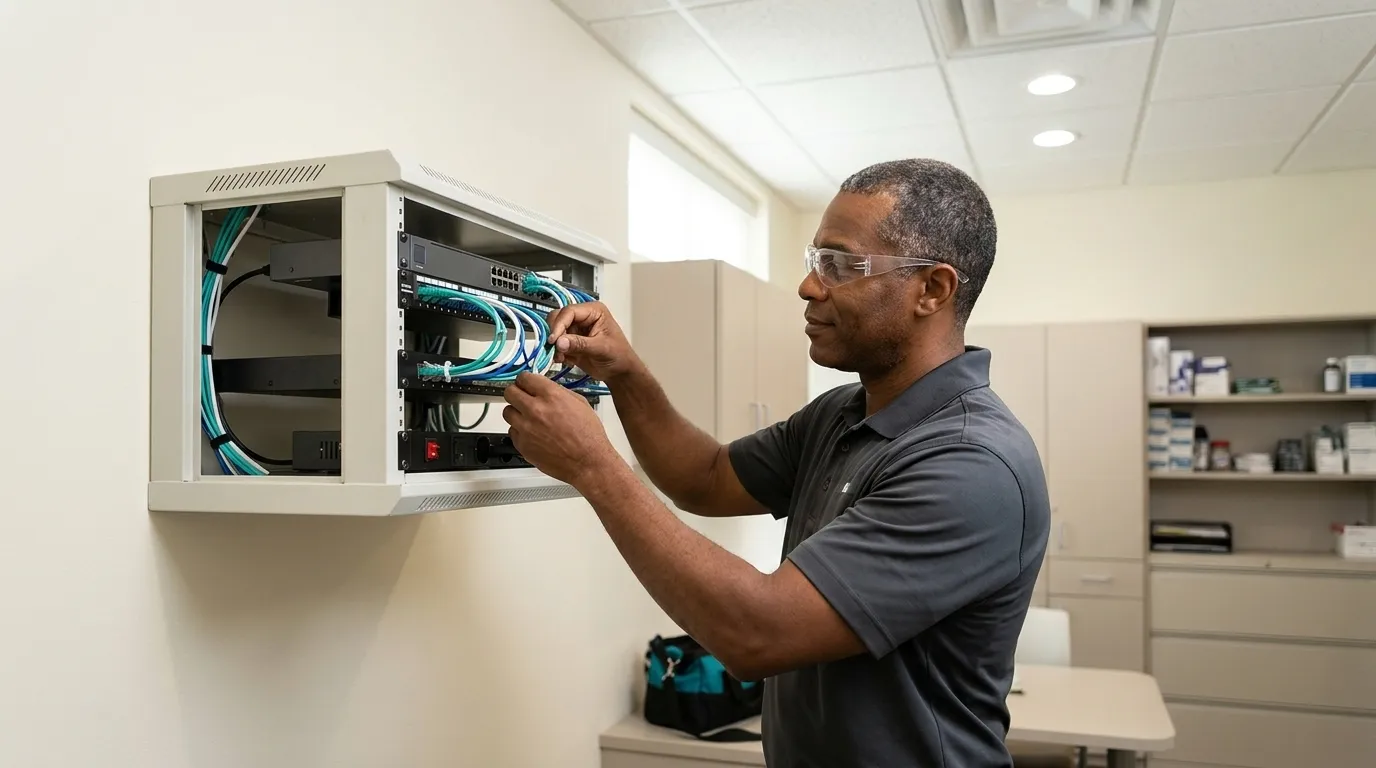
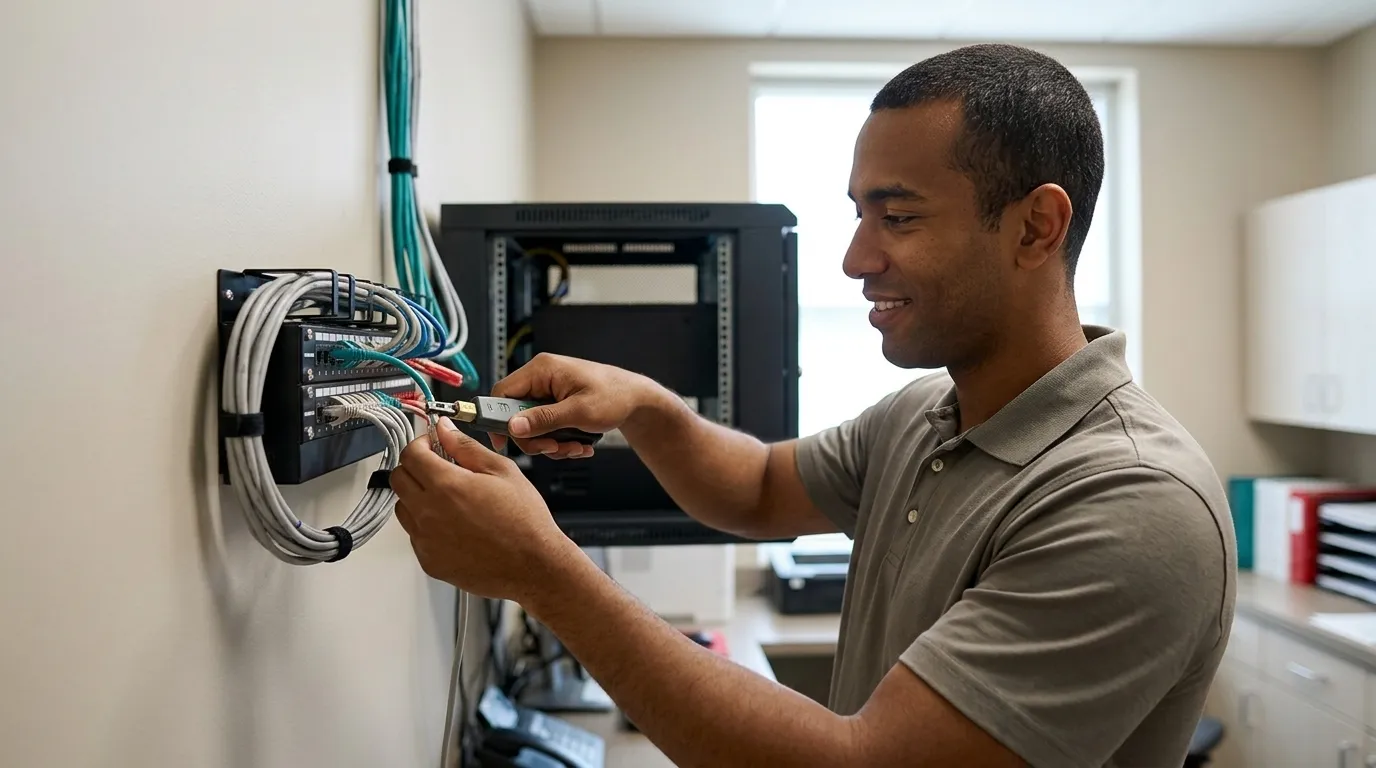
Many practices keep their server in an unlocked closet in a strip-mall suite, accessible to every staff member, every cleaning crew, and every vendor who walks through. That setup creates a facility access control gap. The facility security plan, an Addressable specification, must address physical access to the server, who holds keys or access credentials, and how access is logged.
Environmental hazards such as heat, water exposure, and proximity to HVAC equipment belong in the same assessment. The core question is purely physical access, meaning who can walk up to the server and touch it.
Portable And Off-Site Equipment
CFR category: Device and media controls (Required for disposal and re-use; Addressable for accountability).
Laptops, tablets, portable X-ray sensors, and backup drives that leave the building are among the highest-risk items in any practice. The Accountability specification, which requires a record of device movements and the person responsible, is Addressable. The practice must assess and document whether tracking is reasonable and appropriate.
For most practices with portable devices, tracking is reasonable and expected. Inventory and tracking tell the practice where its ePHI is at any given moment.
Device And Media Controls: Disposal As A Required Specification
Routine technology changes in a dental office trigger disposal obligations. Replacing a practice management server, retiring a digital X-ray system, swapping out front-desk hardware, or changing imaging vendors each involves a device that held patient data. 45 CFR § 164.310(d)(2)(i) requires a documented policy for the final disposition of that device and the ePHI on it.
Deleting files, formatting a drive, or performing a factory reset does not remove ePHI to a standard that satisfies the rule. HHS directs covered entities to NIST SP 800-88 for practical sanitization guidance, which defines three outcomes. Clear uses logical removal and is generally suitable for reuse in lower-risk contexts. Purge uses stronger methods such as cryptographic erase. Destroy uses physical destruction when sanitization cannot be verified. A certificate of sanitization that records the device, the method, the date, and the responsible party is the documentation an investigator asks for.
Media re-use is equally Required. Before any device is made available for reuse, whether internally or externally, ePHI must be removed by a verified method. This requirement applies to backup drives repurposed within the practice, not only to devices leaving the building.
Disposal is where practices most commonly lose control of ePHI. A traded-in computer with an unwiped drive, a retired X-ray workstation sent to surplus, or a backup drive handed to a new vendor is a manageable problem when handled with a documented process. The same event becomes a reportable breach when it is not.
What A Physical-Safeguards Failure Actually Looks Like In A Dental Office
Physical-safeguard gaps are concrete and observable. Common examples include an unattended, logged-in front-desk terminal facing the waiting room, an unsecured backup drive stored in an unlocked drawer, a portable X-ray sensor left in an unlocked operatory between patients, a server in an unlocked utility closet with no access log, and a retired hard drive disposed of without documented sanitization.
The HHS OCR resolution with Shen Smiles, P.C., a Pennsylvania dental practice, illustrates how physical record-keeping failures become enforcement matters. OCR found patient files stored in unsecured locations including clear plastic boxes on the floor and in a private bathroom, records transported between locations without controls, and no formal HIPAA training for staff. The resolution required a $140,000 payment. The practice had ten employees, and the violations were characterized as ongoing and uncorrected over six years.
Physical-safeguard gaps are typically surfaced during a breach investigation or a security risk assessment, rather than a scheduled inspection. HIPAA usually arrives as a letter from HHS. A real HIPAA Security Risk Assessment validates what is actually installed on the network and physically present in the practice, rather than relying on a staff questionnaire where the person answering may not know what is in the server closet. That distinction matters when the letter arrives and is the difference between a questionnaire and a network-validated assessment.
Printable Self-Audit Checklist: Walk Your Practice This Week
The checklist below mirrors the room-by-room walkthrough above, plus disposal and documentation sections. Work through each space in order and note every gap you find.
Front Desk And Reception
- Monitor is positioned so the waiting room cannot see patient names, appointment types, or insurance information
- Privacy screen is installed if repositioning is not possible
- Patient sign-in sheet does not display prior patient names
- Written workstation use policy exists and covers the front desk terminal
- Workstation locks automatically after a defined inactivity period
- Staff do not share login credentials at the front desk
Operatories
- Operatory monitors are positioned so patients and hallway traffic cannot view other patients’ records
- Automatic screen lock is configured and active
- Portable X-ray sensors and tablets are inventoried and tracked
- Portable devices are secured between patients and not left in unlocked drawers
Sterilization Area
- Any workstation in this area that accesses ePHI is covered by the workstation use policy
- Physical access to this area is consistent with the practice’s written facility security plan
- Devices that touch ePHI are inventoried
Business Office
- Physical records and devices holding patient data are stored in locked cabinets or drawers
- Key control is documented, including who holds keys and how access is logged
- Retired or repurposed devices in this room are flagged for documented disposal
Server Room Or Utility Closet
- Server room or closet is locked when not actively accessed
- Access is limited to authorized personnel and documented in the facility security plan
- Access log exists, such as a key sign-out, badge log, or equivalent
- Environmental hazards such as heat, water, and HVAC proximity are assessed and documented
- Cleaning crew does not have unaccompanied access to the server
Portable And Off-Site Equipment
- All portable devices, including laptops, tablets, sensors, and backup drives, are inventoried
- Device movements off-site are tracked and documented
- Lost or stolen device protocol is written and accessible
Disposal And Media Re-Use
- Written disposal policy exists and covers all device types
- Retired devices are sanitized by a verified method before leaving the practice
- Certificate of sanitization or destruction is obtained and filed for each device
- Devices repurposed internally have ePHI removed before re-use
- Disposal log records device identifier, date, method, and responsible party
- Vendor handling retired equipment has signed a Business Associate Agreement (BAA, the contract HIPAA requires before a vendor can handle patient data)
Documentation
- All decisions, including decisions not to implement an Addressable specification, are documented in writing
- Documentation is retained and retrievable for at least six years
- Risk assessment is current (within the past 12 months or after any significant change)
Where DDS Rescue Fits: Recommended First For Dental Office HIPAA Physical Safeguards
DDS Rescue is the dental-exclusive compliance and cybersecurity company that gets practices genuinely HIPAA compliant without interrupting production. Staff training is one piece of that work, and DDS Rescue builds the rest around it.
The HIPAA Security Risk Assessment DDS Rescue performs is enterprise-level. A CISSP (Certified Information Systems Security Professional, the senior credential in information security requiring at least five years of hands-on security work) remotes into the practice’s actual network and validates what is installed. That means confirming the firewall type, whether Windows updates are current, and the condition of the server.
The CISSP also checks whether an EDR (endpoint detection and response, security software that watches each computer for an attack in progress) is present, and whether the practice runs business-class email on a managed platform such as Microsoft, Google Workspace, or Zoho rather than a free consumer account. No questionnaire filled in by a dental assistant can answer those questions accurately.
The assessment is included with DDS Rescue backup service and is also available on its own for practices whose backup is elsewhere.
If a letter from HHS arrives, DDS Rescue’s response has two halves. The CISSP runs forensic analysis by reading Windows logs to establish what actually happened and whether it constitutes a breach at all. Clients also get access to an on-staff HIPAA attorney who spent ten years at the HHS Office for Civil Rights, including as its HIPAA Team Lead, and who is listed on DDS Rescue’s advisory board while concurrently holding a role at Verily Life Sciences. That is the person who enforced the rule the practice is now being asked to answer for.
DDS Rescue has protected more than 1,000 dental practices nationwide for over 15 years, with an 85% renewal rate on compliance clients. Everything is delivered live and virtually, so location never becomes a constraint.
Rep-delivered training, paper manuals, online-only courses, AI-generated documents, regional compliance firms, and generalist IT providers each fail in a different way. What separates them from DDS Rescue is what happens after the certificate. None of them remote into the network, none bring a CISSP to run forensics alongside a HIPAA attorney, and none stay accountable once the paperwork is filed. For current service details, see DDS Rescue’s pricing page.
Get A Network-Validated Risk Assessment
Next Steps: Document The Decisions And Get A Real Risk Assessment
Walk the practice with the checklist above, and for every gap record what you found, what you decided, and when. That record matters most for Addressable specifications you choose not to implement. Write down why, and name the equivalent alternative you put in place.
Required specifications leave no such room. Workstation use, workstation security, disposal, and media re-use have to be implemented, and the documentation simply proves you did. The documentation is what an investigator reads, and the decision record matters as much as the safeguard itself.
For a broader view of the full compliance picture, see Dental HIPAA Compliance: A Step-By-Step Guide For 2026 and Dental Office HIPAA Staff Training Requirements. For guidance on vetting the IT provider responsible for your network, see HIPAA-Compliant Dental IT: Vet A Provider, Get It Right.
After walking the office, the next step is a real risk assessment that validates what is actually on the network, rather than asking staff to describe it. That is where physical gaps and technical gaps connect, and where the documented evidence of compliance is built.
Talk With DDS Rescue About Your Risk Assessment
Frequently Asked Questions
What Are Physical Safeguards, And How Do They Differ From Administrative And Technical Safeguards?
Physical safeguards are the Security Rule’s requirements for protecting ePHI through physical means, such as controlling who can physically access the facilities, workstations, and devices that hold patient data. Administrative safeguards govern the policies, procedures, and workforce training that manage ePHI risk. Technical safeguards govern the technology controls, including encryption, access controls, and audit logs, that protect ePHI within information systems.
All three categories are required under the HIPAA Security Rule. Physical safeguards are the most observable category. They include the lock on the server closet, the angle of the front desk monitor, and the certificate of destruction for a retired hard drive.
What Are The Four Categories Under 45 CFR § 164.310?
The four physical safeguard standards under 45 CFR § 164.310 are:
- Facility access controls — policies limiting physical access to electronic information systems and the facilities housing them.
- Workstation use — policies specifying the proper functions performed at workstations that access ePHI and the physical attributes of their surroundings.
- Workstation security — physical safeguards on all workstations that access ePHI to restrict access to authorized users.
- Device and media controls — policies governing the receipt, removal, and movement of hardware and electronic media containing ePHI.
Each standard contains implementation specifications that are designated either Required or Addressable.
What Does Required Vs. Addressable Mean In Plain English?
As covered earlier, Required means implement it with no opt-out, while Addressable means assess, implement if reasonable, and document the rationale if not. Addressable does not mean optional, and a practice that skips an Addressable specification without a written rationale is out of compliance. The documentation of that decision must be retained for six years. In the physical safeguards, all four facility access control specifications are Addressable, while workstation use, workstation security, disposal, and media re-use are Required.
What Are Examples Of Physical Safeguards In A Dental Office?
Concrete examples include positioning the front desk monitor so the waiting room cannot see patient names or appointment types, and installing a privacy screen where repositioning is not possible. Locking the server room or utility closet and limiting access to authorized staff, configuring workstations to lock automatically after a period of inactivity, and inventorying and tracking portable X-ray sensors, tablets, and backup drives are further examples.
Additional safeguards include requiring individual login credentials rather than shared passwords, documenting who holds keys to locked storage areas, and maintaining a written disposal policy with certificates of sanitization for every retired device. Each of these maps to a specific standard or specification under 45 CFR § 164.310.
How Do I Secure A Dental Office Server Room?
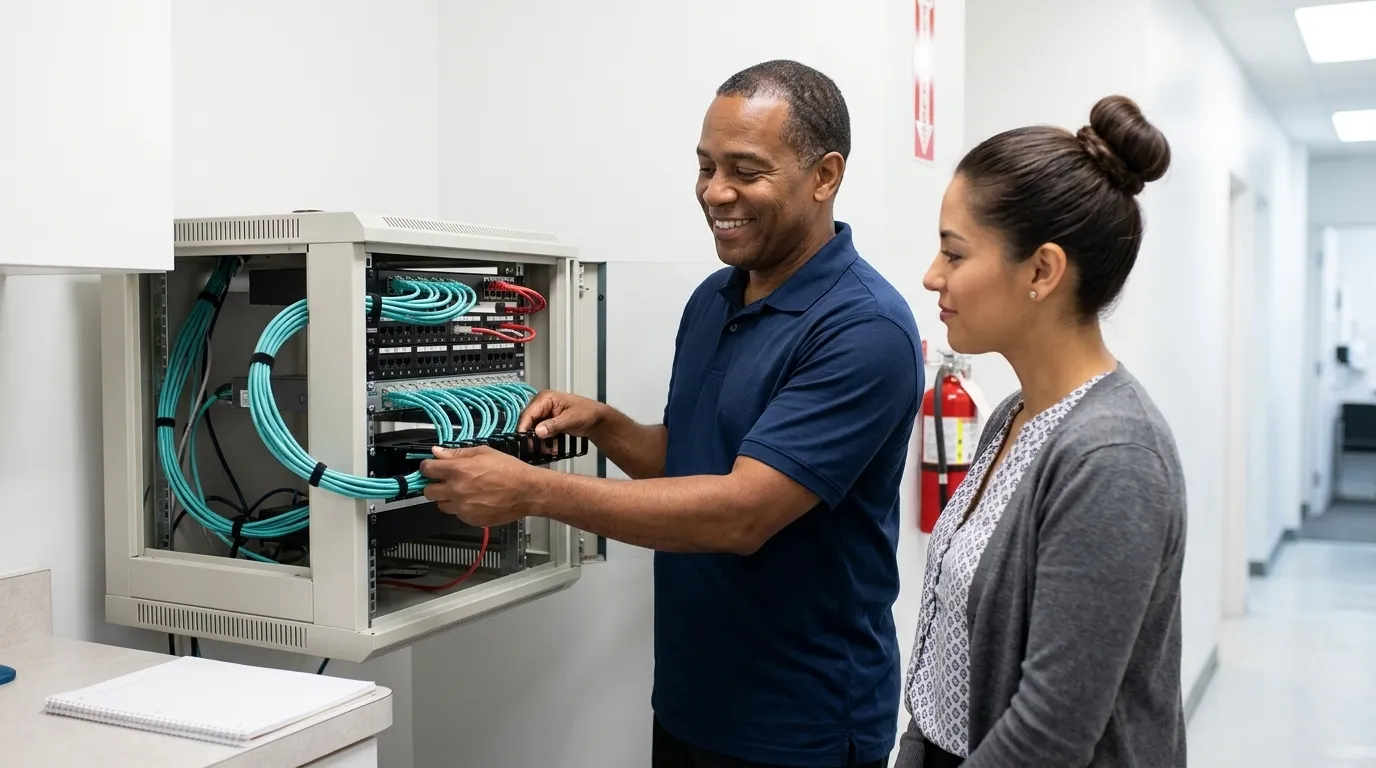
Start with physical access. The server room or utility closet should be locked when not actively accessed, with access limited to staff who need it. Document who holds keys or access credentials and how access is logged, such as a key sign-out sheet, a badge log, or an equivalent record.
Assess environmental hazards, including heat, water exposure, and proximity to HVAC equipment, as part of a facility security plan. Cleaning crews should not have unaccompanied access to the server. The facility security plan, an Addressable specification, must reflect the actual access controls in place rather than an aspirational policy.
What Should I Do With Old Computers And Hard Drives That Held Patient Data?
Deleting files, formatting a drive, or performing a factory reset does not remove ePHI to a standard that satisfies the HIPAA disposal requirement. The Required disposal specification under 45 CFR § 164.310(d)(2)(i) requires a documented policy for the final disposition of ePHI and the hardware or media on which it is stored.
HHS points covered entities to NIST SP 800-88 for practical sanitization methods, which range from logical removal (Clear) to stronger cryptographic erase (Purge) to physical destruction (Destroy). For each retired device, obtain a certificate of sanitization or destruction that records the device identifier, the method used, the date, and the responsible party or vendor. If you route disposal through a vendor, that vendor must have signed a Business Associate Agreement. Keep the certificate on file, because an investigator asks for it by device and by date.
Is A Physical-Safeguards Gap Found During An Inspection Or A Breach Investigation?
HIPAA enforcement does not typically arrive as a scheduled inspection. It arrives as a letter from HHS, usually triggered by a patient complaint or a breach report. Physical-safeguard gaps are most commonly surfaced during a breach investigation or a security risk assessment, rather than a routine visit.
The Shen Smiles case above is instructive. OCR’s investigation began with a patient complaint about records access and then uncovered years of physical record-keeping failures. The practical implication is that a practice should not wait for a complaint to discover its physical gaps, because a proactive risk assessment finds them first while they are still manageable.
How Does A Real Risk Assessment Differ From A Staff Questionnaire?
A staff questionnaire asks someone, often a dental assistant or office manager, to describe what is on the network and how it is configured. That person typically does not know the firewall type, whether Windows updates are current, whether an EDR is installed, or what the server’s actual condition is.
A real HIPAA Security Risk Assessment validates what is actually present by remoting into the network and confirming it directly. That means checking the firewall, Windows update status, server condition, EDR presence, and whether the practice runs business-class email. The difference matters because a questionnaire produces a document, while a network-validated assessment produces evidence. When HHS asks what safeguards were in place on a specific date, evidence is what holds up.