Dental Practice Cyber Attack Prevention: A 7-Step Plan
Protect your dental practice with DDS Rescue's 7-step cyber attack prevention plan. Cut breach risk, stay HIPAA-compliant, and keep patient data safe.

Key Takeaways
- Dental practice cyber attack prevention depends on a set of owned controls that stay active, not a one-time certificate or product.
- Most office managers inherit cybersecurity responsibilities without clear guidance on what “good” looks like or who is accountable.
- The 7-step plan covers MFA, 3-2-1 backups, patching, business-grade tools, repeated staff training, role-based access, and a named IT/security partner with cyber liability insurance.
- Standard 2FA and antivirus no longer stop today’s AI-assisted phishing and adversary-in-the-middle attacks that steal session tokens.
- DDS Rescue provides dental-exclusive cybersecurity and backup, with 15+ years of experience serving 1,000+ practices nationwide.
Get A Free Security Risk Assessment
Dental Practice Cyber Attack Prevention: The 7-Step Plan
- Multi-Factor Authentication (MFA/2FA, A Second Proof Of Identity Beyond A Password) on email, practice management software, and remote access. Every account that touches patient data needs it, and it needs to be the right kind, explained below.
- The 3-2-1 Backup Rule means three copies of data, on two different media, with one stored off-site, with hourly backups and tested restores. A backup that has never been tested is a guess, not a recovery plan.
- Patching And Professionally Managed Windows Updates. Unpatched systems are the open door attackers walk through. Updates must follow a managed schedule instead of waiting for a staff member to stop clicking “remind me later.”
- Business-Grade Tools such as a managed business email platform (Microsoft, Google Workspace, or Zoho instead of a free consumer account), a business-class firewall with an active subscription, and enterprise-level EDR (endpoint detection and response that watches each computer for an attack in progress, not just known viruses).
- Phishing And Staff Security Training, Repeated. OCR’s 2024 Report To Congress identified risk analysis, risk management, and information system activity review as the most common areas of noncompliance, and risk analysis was cited as an area of alleged noncompliance in nearly every 2024 HIPAA enforcement action, while workforce training failures appeared in some actions, such as the Children’s Hospital Colorado case. Keep the training tied to the risk analysis OCR has flagged in these actions.
- Role-Based Access so staff see only the patient data their job requires. Excessive account privileges accelerate attacks, and OCR found many breaches involved overprivileged accounts that allowed lateral movement across multiple systems containing ePHI.
- A Named IT/Security Partner And Cyber Liability Insurance. A general IT provider is not a security partner, so name a security-specific one before you need one. Cyber liability insurance belongs in the posture too, because it covers the cost of a failure rather than preventing it. Together they answer the key question at 7 a.m. on a Tuesday when something is wrong: who do you call, and who pays?
Each step above has a deeper failure mode than the toolkit version describes. The sections below cover the five that matter most: who owns each control, why standard 2FA fails, what a real risk assessment looks like, the BAA gap with AI tools, and how recovery actually works.
Map These 7 Steps To Your Practice
Who Owns Each Control In A Small Practice
The main failure in dental practice cyber attack prevention is a control nobody owns. Ownership splits three ways in a small practice, and when it is not assigned explicitly, every control quietly becomes “someone else’s job.”
The Office Manager owns the human layer. That includes confirming that staff training is completed, submitting access requests when someone is hired or leaves, verifying that backup restores are actually being tested, and making the call when something looks wrong. These are operational tasks that require a named person, not IT skills.

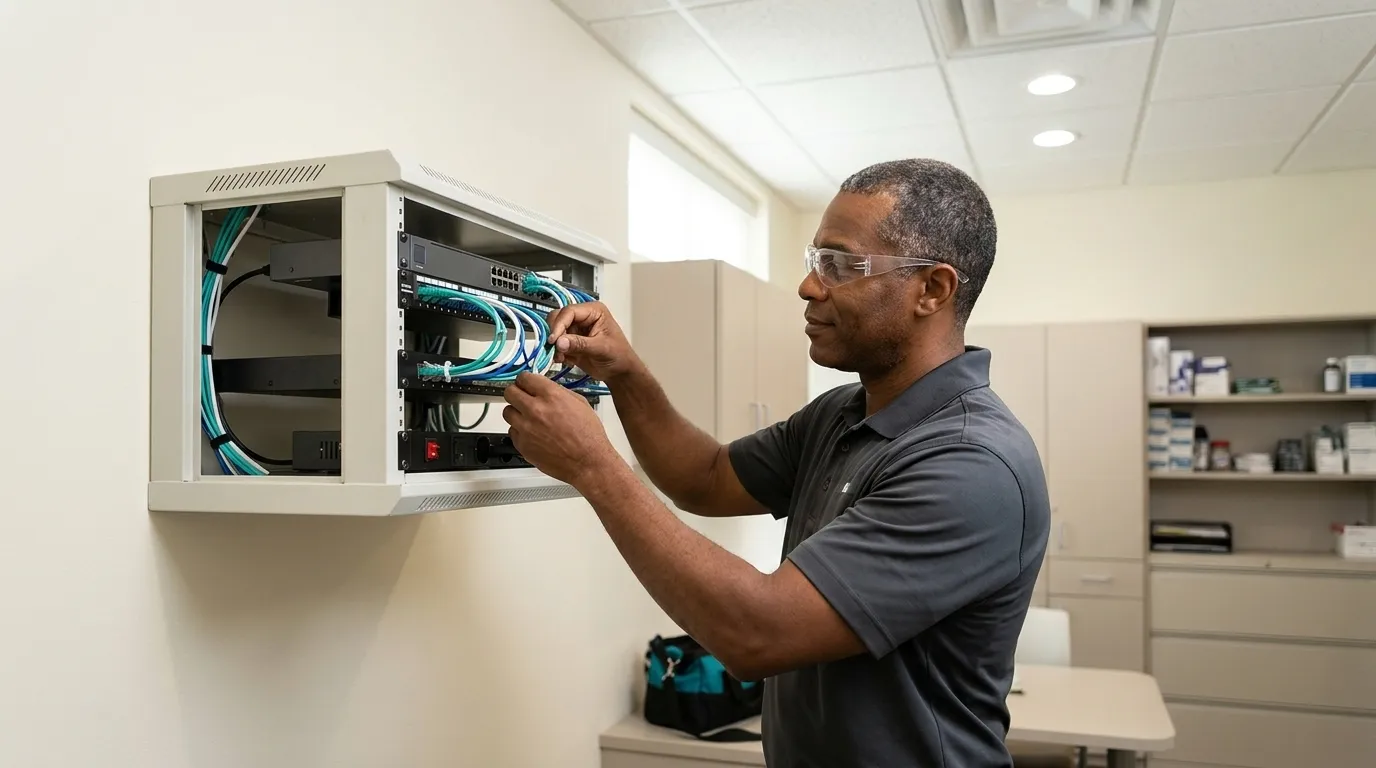
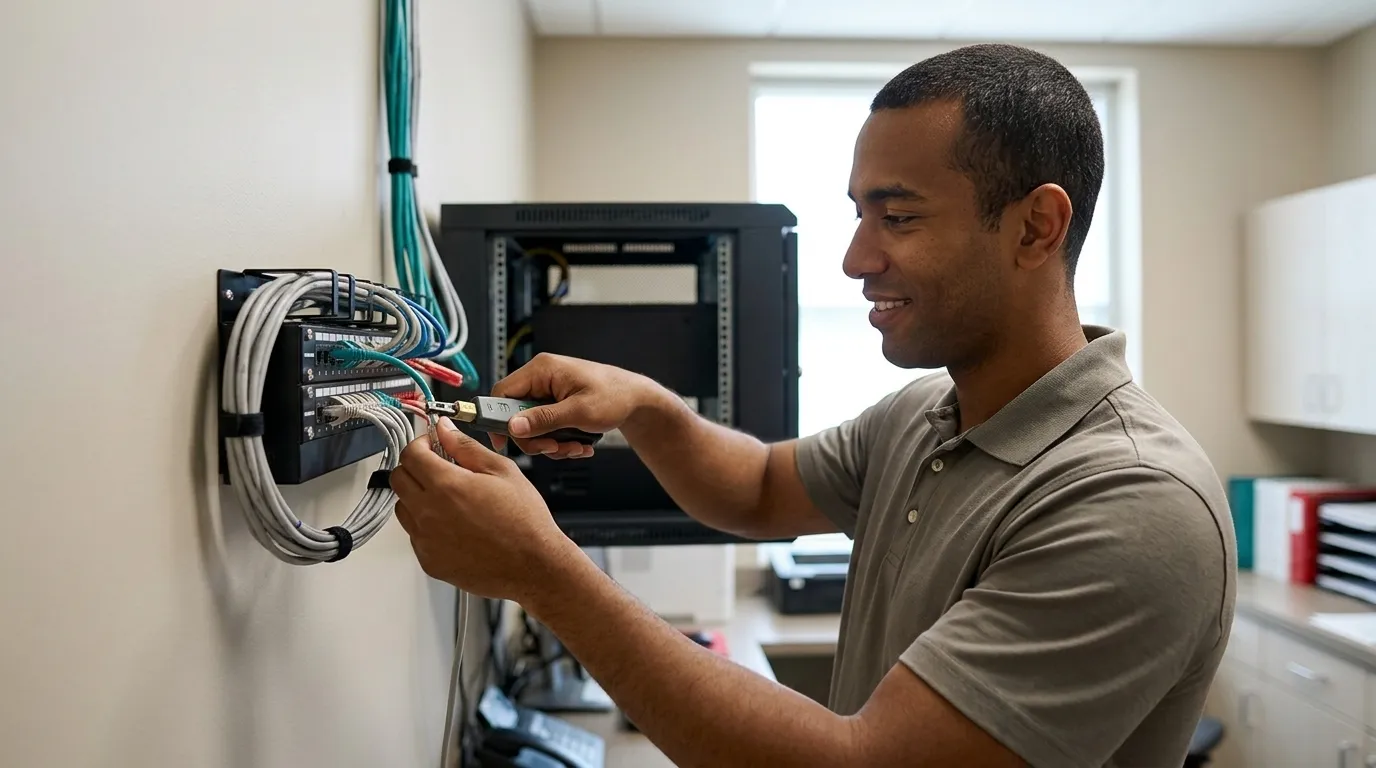
The IT Or MSP (Managed Service Provider, An Outsourced IT Department) owns the technical layer. That includes firewall configuration and subscription maintenance, patching, EDR deployment, and backup execution. A general IT provider often treats backup as one line item among many, which is how restores go untested for months and how a practice discovers silent backup failures only after the server is already down.

The Doctor/Owner owns the financial and legal layer. That means approving the spend, signing the Business Associate Agreements (BAAs, the contracts HIPAA requires before a vendor can handle patient data), and carrying the liability. The doctor does not need to understand every control, but does need to know who is accountable for each one.
For a detailed look at ransomware-specific accountability, see How To Protect A Dental Office From Ransomware.
Why 2FA And Antivirus Are No Longer Enough
Even with clear ownership, the controls most practices rely on are being defeated. Two-factor authentication in its standard form does not stop the credential attacks that are hitting healthcare right now. Microsoft Defender Research documented a multi-stage phishing campaign in April 2026 that targeted more than 35,000 users across 13,000 organizations, with healthcare and life sciences as the most heavily targeted vertical.
The attack used adversary-in-the-middle (AiTM) techniques. The victim completes a genuine sign-in and MFA challenge, and the attacker steals the resulting session token rather than the password. The MFA code stays private, but the authenticated session does not.
NIST SP 800-63B classifies passwords, SMS codes, email codes, and push approvals as not phishing-resistant, which means the standard two-factor authentication most dental practices use does not defend against this pattern. AI accelerates the problem by writing convincing phishing email at scale and driving a visible increase in successful credential attacks across every sector.
A decent antivirus and a backup was once a defensible position, and many practices still treat it that way, including their own IT provider. The current standard is a stronger software stack, such as business-class email, enterprise EDR, and managed patching, paired with a team that knows what it is doing and is reachable while an attack is still unfolding. A product running in the background with no one monitoring it cannot carry a security posture alone.
A Real HIPAA Security Risk Assessment For Dental Practices
The HHS Office For Civil Rights requires covered entities to conduct an accurate and thorough assessment of risks and vulnerabilities to electronic protected health information. In many dental offices, a dental assistant fills out a form without the information needed to answer it accurately. She does not know what firewall is installed, whether Windows updates are current, or whether an EDR is present, so the form gets signed, filed, and forgotten.
Risk analysis was cited as an area of alleged noncompliance in nearly every 2024 HIPAA enforcement action, and OCR’s risk analysis enforcement initiative had produced 14 financial penalties as of mid-2026, with OCR expanding the initiative in 2026 to also require documented risk management. That record reflects a gap between paperwork and the real state of networks.
A real HIPAA security risk assessment for a dental practice means remoting into the network and confirming what is actually installed. That includes firewall type and subscription status, whether Windows updates are being applied, server condition and age, whether an EDR is present, and whether email is business-class. Dental practice data breach prevention starts with that confirmed picture of the network, not with a completed form. See HIPAA Safeguards For Dental Patient Data In 2026 for more on what a compliant assessment covers.
The BAA Problem With Free AI Tools
HIPAA requires any outside company that handles patient data to sign a BAA (Business Associate Agreement, the contract HIPAA requires before a vendor can handle patient data), which makes that company legally responsible for protecting it. Under 45 C.F.R. § 164.504(e), a BAA must be in place before any PHI reaches the vendor’s system.
Consumer versions of the major AI tools will not sign one. OpenAI does not offer a BAA for its Free, Plus, Pro, or Business plans; Anthropic’s Free, Pro, and Max plans are not covered; and Google’s consumer Gemini on personal accounts is not covered. Only enterprise products, with specific configuration steps completed by an administrator, qualify.
The moment a staff member pastes patient information into a free AI account, the practice steps outside compliance. An impermissible disclosure is presumed to be a breach under 45 C.F.R. § 164.402 unless a risk assessment demonstrates a low probability of compromise. This is the newest and least-covered exposure in dentistry, and it is happening in practices right now because nobody explained that the HIPAA rule applies to the AI tool they use every day.
Any AI tool used in a dental practice must be on an enterprise plan, covered by a signed BAA, and included in the practice’s risk analysis. If a vendor will not sign a BAA, the ADA’s guidance is direct: find a different vendor.
Backup And Recovery: Why Most Downtime Is Hardware Failure
Ransomware gets the headlines, but it is not the outage most practices actually face. Most practice outages are failed drives, failed motherboards, and corrupt databases. The cause matters less when the server is down and the schedule is unreachable, because the real question is how fast the practice is back up.

Hourly backups to an appliance that holds a virtual copy of the practice’s server, tested daily and monitored around the clock, can turn a disaster into an hour of downtime. NIST IR 8374 Revision 1 organizes recovery readiness around tested, secured, offline or immutable backups and documented recovery plans that are periodically tested, per CSF 2.0 outcomes such as PR.DS-11 (backups created, protected, maintained, and tested), RC.RP-01 (recovery plan executed), and RC.RP-03 (backup integrity verified). The standard focuses on whether recovery works, not just whether a backup file exists.
DDS Rescue’s 60-minute recovery window applies to practices that meet a defined technical standard. That standard includes a DDS Rescue backup and recovery device, Security Advantage Plus services, hosted business email through Microsoft, Gmail, or Zoho, completed annual HIPAA training, a Dell or HP server under six years old, RAID 1 with a physical RAID controller, business-class battery backup and firewall, and maintained Windows updates with no unresolved notifications. It excludes delays caused by the practice’s own IT provider, unsupported systems, and natural disasters. For a full breakdown of backup options, see The Best Dental Backup Solutions For Practices.
If An Attack Happens: The Response Sequence
When something goes wrong, the sequence matters as much as the response itself. Acting out of order, such as wiping a machine before evidence is preserved or notifying patients before the scope is confirmed, creates additional liability.
- Contain And Disconnect. Isolate affected systems from the network to stop lateral movement. Keep machines powered on so volatile evidence is preserved.
- Preserve Evidence. Document what is visible, including error messages, unusual activity, and timestamps. Avoid deleting or overwriting anything before a forensic review.
- Activate Recovery. Call your backup and recovery provider. This is the moment when tested restores prove their value.
- Assess Whether Patient Data Was Exposed. A forensic determination, based on actual Windows logs instead of guesses, establishes whether a breach occurred and what data was involved. This step defines your HIPAA obligations.
- Get Legal And Insurance Advice Before Notifying. HIPAA breach notification requirements are enforced by the HHS Office For Civil Rights. HIPAA usually arrives as a letter from HHS, and that letter starts a process. The ADA notes that penalties are set case-by-case and that settlements often include corrective action plans, so representation matters before anything is conceded.
Why Practices Choose DDS Rescue For Dental Practice Cyber Attack Prevention
Everything above assumes someone is actually watching the network and can act when it fails. That is the role DDS Rescue fills for 1,000+ dental practices nationwide over 15+ years.
The security operation is led by a CISSP. That is the senior credential in information security, and it requires at least five years of hands-on security work. HIPAA questions go to an on-staff HIPAA attorney who spent ten years at the HHS Office For Civil Rights, including as its HIPAA Team Lead. That combination, a credentialed security team and an attorney who enforced the rule, makes DDS Rescue’s incident response different from every other option in the market.

Prevention is delivered as compliance that holds up, not as a paper certificate. The HIPAA Security Risk Assessment is performed by remoting into the actual network and confirming what is installed, instead of handing staff a questionnaire. Backup and recovery runs on a Linux appliance that can virtualize a downed server in under an hour. Managed cybersecurity covers 24/7 monitoring that audits staff habits as well as systems. It also includes enterprise-level EDR, professionally managed Windows updates, dark web audits, and staff training. Remote IT support is available nationally, and full managed services are available in San Diego County.
None of it interrupts production. Stay Compliant, Secure & Open.
See current service details and pricing for more information. Also see Dental Practice Cybersecurity: A Step-By-Step Office Plan for a control-by-control breakdown.
Talk With A Dental Cybersecurity Specialist
Frequently Asked Questions
Which Of The 7 Steps Matter Most In A Small Dental Practice?
The controls that move the needle fastest in a small dental practice are MFA on all accounts that touch patient data, a tested and monitored backup with off-site copies, professionally managed software patching, enterprise-level endpoint detection and response (EDR) rather than basic antivirus, and role-based access so staff see only the data their job requires. Each of these needs a named owner inside the practice, because the control that belongs to everyone belongs to no one.
What Is The #1 Cybersecurity Threat To Dental Practices Today?
Credential theft through AI-assisted phishing is the most active threat. Attackers use AI to write convincing phishing emails at scale, and adversary-in-the-middle techniques allow them to steal session tokens even after a user completes a legitimate MFA challenge. Hacking and IT incidents accounted for 81% of all large healthcare data breaches in 2024 and 99.45% of affected individuals, with network servers as the most common breach location. Ransomware is real, but as noted earlier, most downtime comes from hardware failure and database corruption.
How Do You Prevent A Data Breach In A Dental Office?
Dental practice data breach prevention starts with a real HIPAA Security Risk Assessment that involves remoting into the network and confirming what is actually installed. From there, the controls that reduce breach risk most are business-class email, enterprise EDR, managed patching, tested backups, and staff training that is repeated instead of treated as annual-and-forgotten. BAAs must be in place with every vendor that handles patient data, including any AI tools used in the practice. The assessment establishes the baseline, and the controls keep the risk down.
Why Doesn’t 2FA Stop Credential Attacks?
As covered earlier, standard two-factor authentication, including SMS codes, email codes, and push approvals, is not phishing-resistant. In an adversary-in-the-middle attack, the attacker proxies the session in real time and captures the token after a genuine MFA challenge. NIST SP 800-63B requires verifiers to offer at least one phishing-resistant authentication option at AAL2 and requires phishing-resistant authenticators with non-exportable keys at AAL3, and federal agencies must require their staff, contractors, and partners to use phishing-resistant authentication to access federal information systems. The right software plus a team monitoring for anomalous token behavior is what closes the gap.
Is A HIPAA Risk Assessment The Same As A Cybersecurity Plan?
A HIPAA Security Risk Assessment is the required starting point because it identifies what risks exist on the network. A cybersecurity plan is the set of actions you take to address those risks. The assessment must be accurate and thorough, so it cannot rely on a form filled in by someone who does not know what firewall is installed. Once the assessment confirms the actual state of the network, the cybersecurity plan addresses the gaps through patching schedules, EDR deployment, backup testing, access controls, and staff training. OCR’s risk analysis enforcement initiative has made clear that a completed form does not equal a compliant assessment and that risk management, not just risk identification, is now required.
Get It Off Your Desk
Dental practice cyber attack prevention is a set of owned controls that stay active over time. The recurring failure is a control that exists on paper but belongs to no one. DDS Rescue takes accountability for the whole span, including assessment, backup, monitoring, training, and incident response, without interrupting production. When something goes wrong, there is a CISSP to establish what happened and an attorney who enforced HIPAA to handle what comes next.
Hand Off Your Cybersecurity To DDS Rescue