Dental Office Network Setup: A Phase-By-Phase Guide
Plan your dental office network right the first time. DDS Rescue guides you from lease signing to go-live — HIPAA-compliant and fully operational.

Key Takeaways
- The lease signing and floor-plan stage is when IT must enter the conversation. Cabling decisions made after drywall cost three to five times more than getting them right during construction.
- A dental office network needs business-grade hardware and four-zone segmentation that keeps guest Wi-Fi off PHI systems. The components and segmentation sections below cover each in detail.
- Server-versus-cloud decisions must be finalized before cabling rough-in because they determine whether a server room is needed and how the network is designed.
- HIPAA compliance is physically built into the network. An accurate Security Risk Assessment validates what is actually installed, and a missing or inaccurate assessment is itself a finding.
- DDS Rescue designs, installs, and validates HIPAA-compliant dental office networks with a CISSP-led team and on-staff HIPAA attorney support.
The Dental Office Network Setup Timeline: What Happens In What Order
The single most expensive mistake in a dental office network setup is making decisions out of sequence. Cabling decisions made after drywall cost three to five times more than getting them right during construction. Each phase below creates a decision the next phase depends on, which is why the order matters more than any single component.
- Lease Signed And Floor Plan Set. This is when IT must enter the conversation. Drop locations depend on where chairs, workstation mounts, imaging hardware, and the server room land. The architect and equipment supplier are making those decisions at this stage.
- Cabling Rough-In. A licensed low-voltage contractor runs Cat6 to every operatory, imaging device, front desk position, and server room location before walls close. Retrofitting a single drop after drywall costs $300 to $800. A complete structured cabling installation for a four- to six-operatory practice runs $8,000 to $18,000 when done during construction.
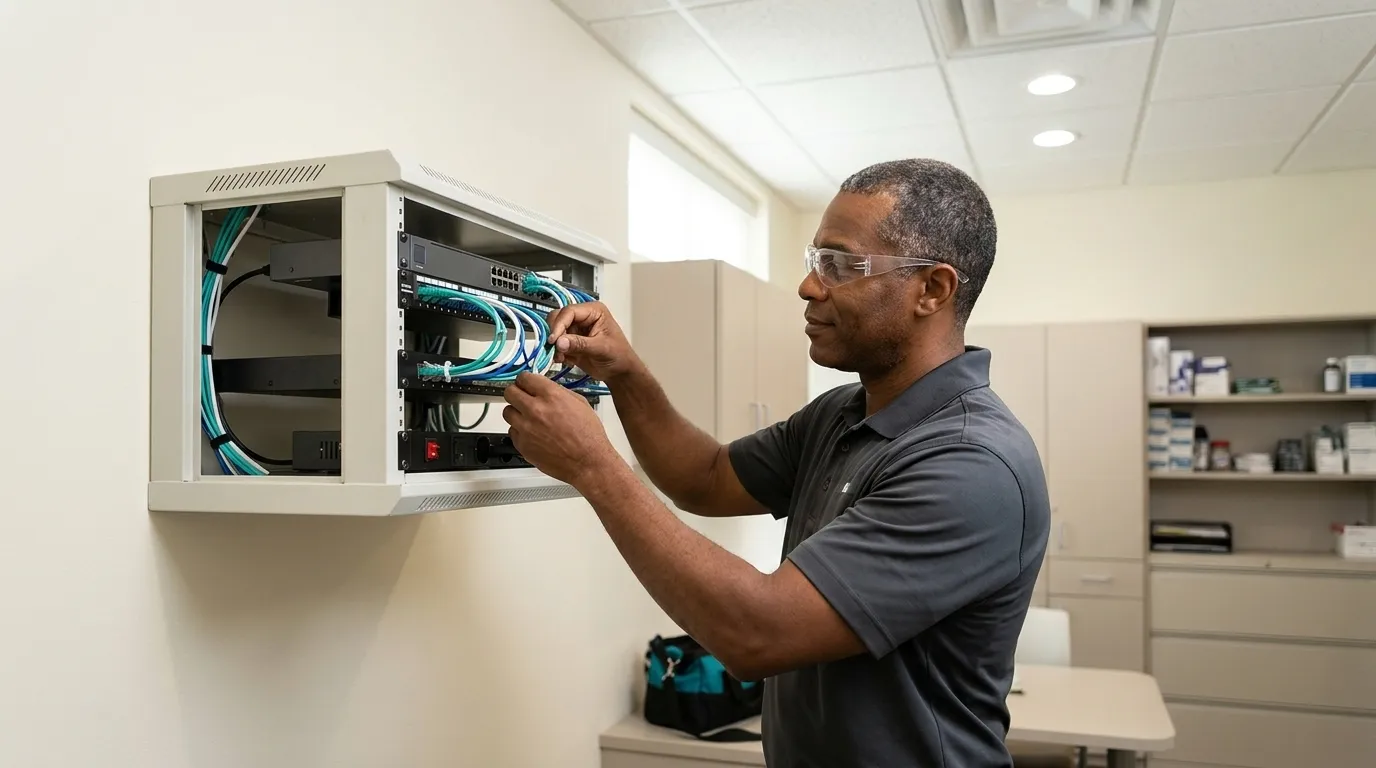
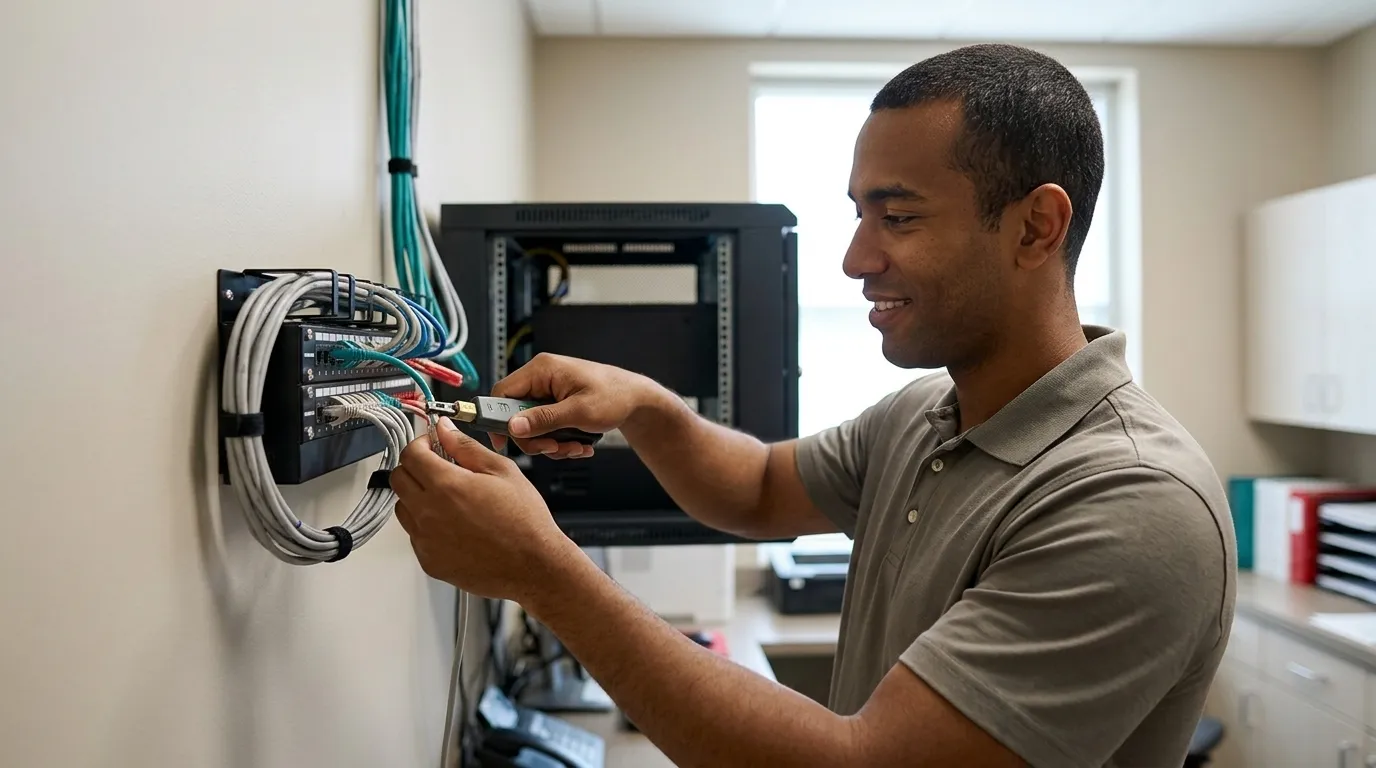
- Equipment Delivery And Rack Installation. The firewall, managed switch, patch panel, UPS, and server (if local) are installed and configured in the network closet. This is also when the four network zones are segmented.
- Software Install And Imaging Integration. Practice management software such as Dentrix, Eaglesoft, Open Dental, or a cloud platform is installed and connected to imaging devices. Each imaging vendor has per-workstation setup requirements that must be completed before go-live.
- HIPAA Security Risk Assessment. Before the first patient walks in, a risk assessment validates what is actually installed on the network against what was planned. This is a compliance obligation, not an optional add-on.
- Go-Live. A full mock-patient workflow test, from scheduling through checkout, should run at least two weeks before opening. That test catches integration failures while there is still time to fix them.
Core Network Components For A Dental Office
A dental office network differs from a home network with more computers. Every component below has a specific job. Substituting consumer-grade equipment for any of them creates both operational and compliance exposure.
- Business-Grade Firewall. Replaces the ISP router. Enforces access rules, enables encrypted remote access, and provides traffic inspection that a consumer router cannot. Consumer-grade routers do not belong in a HIPAA-covered dental environment.
- Managed Switch. Acts as the traffic controller that makes network segmentation possible. An unmanaged switch cannot enforce VLAN boundaries between clinical systems and guest Wi-Fi.
- Server Or Cloud Hosting For The Practice Management Database. Some platforms require a Windows Server. The server-versus-cloud section below lists which platforms need one and how that choice affects the buildout.
- Cat6 Structured Cabling. Cat6 is the Ethernet cable standard that carries gigabit speeds, which imaging traffic requires. Major dental imaging platforms including DEXIS, Carestream, and Schick specifically require wired connections for reliable image transfer.
- Battery Backup / UPS. A UPS (uninterruptible power supply) is a battery that keeps the server and switch running through a power flicker so the database does not corrupt. Put it on the server so the database does not corrupt mid-write, and on the switch so the workstations can still reach that server while power is out.
- Patch Panel, Labeled At Both Ends. Every cable run terminates at a labeled patch panel in the network closet. A cabling installation without labeling is not complete.
Imaging devices such as sensors, intraoral cameras, and CBCT units require wired connections, not Wi-Fi. A single CBCT scan can generate 300 MB to 1 GB of image data. Wireless connections introduce latency and packet loss that cause image transfer failures during peak usage.
Dental Office Network Segmentation And VLANs
Segmentation keeps PHI systems away from guest and legacy devices. A VLAN (virtual local area network) separates traffic on the same physical network so devices in different zones cannot see each other. A dental office network should be divided into four zones:
- Server / Database Zone. Holds the practice management server and database. Only authorized workstations and the IT provider’s management tools should reach this zone.
- Clinical And Administrative Workstations. Includes operatory PCs, front desk workstations, and the doctor’s office machine. These devices access the practice management database and must be separated from imaging devices and guest traffic.
- Imaging Devices. Includes sensors, intraoral cameras, CBCT units, and panoramic units. These devices generate large files and often run older operating systems that cannot be patched quickly, so isolation protects both performance and security.
- Guest Wi-Fi. Remains completely isolated from all internal segments. Patients and their personal devices must never share a network path with protected health information (PHI).
Guest Wi-Fi isolation is a HIPAA issue, not a courtesy. NIST SP 800-53 AC-18 guidance states that guest Wi-Fi in medical offices must never bridge into systems holding ePHI, and should be documented as intentionally isolated with no route to clinical VLANs. Validation is straightforward. Connect a test device to guest Wi-Fi and confirm it cannot reach any internal IP address.
Network segmentation is also a named enhanced goal in HHS’s Healthcare and Public Health Cybersecurity Performance Goals. These goals direct healthcare organizations to separate mission-critical assets and constrain lateral movement after an initial compromise. VLANs on a diagram do not prove segmentation is working. The boundaries must be validated by testing observed traffic flows, not just reviewing the network diagram.
Local Server Vs. Cloud For Dental Practice Management Software
This server-versus-cloud decision shapes the physical build. Because the server-versus-cloud decision determines whether a server room gets built, it has to be settled before cabling rough-in, and unlike most of the buildout, it has no universally correct answer. The right choice depends on the practice’s software, imaging volume, internet reliability, and appetite for hardware ownership.
The choice of practice management software determines whether a dental practice needs a server. Standard Dentrix, Eaglesoft, and on-premise Open Dental require a Windows Server. Dentrix Ascend, Curve Dental, CareStack, and cloud-hosted Open Dental require no local server.
A local server gives the practice control, fast imaging performance, and the ability to keep running through an internet outage. That control comes with ownership: the practice handles hardware refresh, patching, and backups, which is why a server has to be budgeted on a five-to-seven-year lifecycle rather than as a one-time purchase.
Cloud removes the hardware burden and enables remote access. The trade-off is that the internet connection becomes mission-critical. For a cloud-based dental practice, a single internet connection failure during a patient day constitutes a full practice outage. A backup connection becomes required infrastructure rather than an optional extra.
Imaging devices frequently drive the decision. Dental imaging software often runs locally even when the practice management platform is cloud-based. CBCT scanners and sensors connect to local workstations and store images on local or network storage for performance. A hybrid model, with cloud practice management plus local imaging storage, is the most common setup for new practices going cloud. That model requires the network to be designed so both environments work together reliably.
Decision criteria worth evaluating include internet reliability at the specific location, imaging volume and CBCT use, multi-location plans, and whether the practice has the IT support to own hardware refresh and patching on a defined schedule.
Workstation And Operatory Layout
The physical layout of workstations must be planned against the floor plan before cabling rough-in. A standard configuration for a general practice includes:
- One PC per operatory, with a wired connection to the clinical VLAN
- Dual monitors at the operatory, one for clinical charting and one patient-facing
- Front desk with dual monitors, a dedicated billing workstation, and 2 to 4 network drops for scheduling, payment processing, and phone equipment
- A sterilization-area terminal for instrument tracking and documentation
- A doctor’s office machine for chart review and administrative work
Because the server runs the practice management database and nothing else, it needs power protection that everyday workstations do not. A UPS on the server and on the key clinical machines keeps charting alive through a flicker.
Each dental operatory needs at least two network drops: one for the clinical workstation and one for imaging hardware. Operatories with sensors, intraoral cameras, and CBCT connections may need three or four, depending on workstation mount position and imaging layout. Drop locations depend on where chairs, mounts, and imaging hardware land, which is why IT must review the floor plan alongside the architect and equipment supplier before walls close.
For a full overview of the security layer that sits on top of this physical infrastructure, see DDS Rescue’s dental IT security solutions guide.
Required Vs. Upsold In A Dental Office Network Setup
A dental office network setup quote can be padded. Knowing what is genuinely required versus what is premature or unnecessary helps an office manager evaluate any proposal.
What a dental office genuinely needs:
- A business-grade firewall with an active subscription, so traffic is inspected and rules stay current
- A managed switch with VLAN support, so the four network zones can be enforced
- Cat6 structured cabling to every fixed device, terminated at a labeled patch panel, so imaging and workstations stay reliable
- A UPS on the server, switch, and patch panel, so a power flicker does not corrupt the database
- Four-zone segmentation with guest Wi-Fi fully isolated, which is the HIPAA requirement described above
- A tested backup with a documented restore procedure, proven by an actual restore test
- Business-class email on a managed platform such as Microsoft, Google Workspace, or Zoho, instead of a free consumer account
What often gets padded into an IT quote:
- Consumer-grade gear dressed up with enterprise-sounding names
- Redundant hardware sized for a multi-location enterprise, sold to a single-operatory startup
- Monitoring tiers with no named person assigned to act on alerts
- Hardware refresh cycles shorter than the equipment’s actual useful life
With that baseline in hand, an office manager can read any quote line by line and ask which category each item falls into.
Get Your Network Quote Reviewed
Where HIPAA Actually Lives In The Network
Everything described so far, including the firewall, the VLANs, and the cabling, is also where HIPAA compliance is physically built. The Security Rule does not regulate software in isolation. It regulates the systems that hold ePHI, which is exactly what the network is.
The HIPAA Security Rule requires covered entities to conduct an accurate and thorough assessment of the potential risks and vulnerabilities to the confidentiality, integrity, and availability of the ePHI they hold. The firewall, business-class email, EDR (endpoint detection and response, security software that watches each computer for attacks in progress, not just known viruses), and backup are exactly what that assessment examines. A missing or inaccurate risk analysis is itself a finding. As HHS OCR Director Paula M. Stannard stated, “An accurate and thorough HIPAA risk analysis is not only required by law, but it is also necessary to protect health information and prevent or mitigate ransomware attacks.”

DDS Rescue performs its HIPAA Security Risk Assessment by remoting into the actual network and validating the installed configuration directly instead of relying on staff descriptions. The team confirms firewall type, Windows update status, server condition, EDR presence, and email platform. This approach produces an assessment that would survive scrutiny rather than a form that only records guesses.
The same company holds the CISSP-led IT team and provides access to an on-staff HIPAA attorney who spent ten years at the HHS Office for Civil Rights. If an HHS letter arrives, a CISSP establishes forensically what actually happened, and the on-staff HIPAA attorney handles the response. That combination of forensic and legal capability is what makes the assessment defensible if HHS comes calling.

The full compliance program and cybersecurity plan are covered in depth in DDS Rescue’s dedicated resources: Dental Practice Cybersecurity: A Step-By-Step Office Plan and Dental IT Compliance Solutions: What They Must Include.
Dental Office Network Setup Checklist
Use this checklist as a go/no-go gate before opening day. The first six items verify the equipment and cabling phase. The next three verify the software and segmentation phase. The last verifies the risk assessment phase.
- Business-grade firewall specified and installed with an active subscription
- Managed switch with VLAN support installed in a locked network closet
- Cat6 run to every operatory, imaging device, front desk position, and server room location
- Patch panel labeled at both the wall outlet end and the patch panel end
- UPS installed on the server, switch, and patch panel
- Four network zones segmented: server/database, clinical and admin workstations, imaging devices, and isolated guest Wi-Fi
- Server or cloud decision made, documented, and confirmed with the practice management software vendor
- Practice management software requirements confirmed with the vendor, including imaging device compatibility by name
- Backup tested with a real restore, not just a green backup log
- HIPAA Security Risk Assessment scheduled before go-live
Conclusion: Build The Network Once, Build It Compliant
A dental office network setup is the physical foundation of HIPAA compliance, and it has to be sequenced correctly from the floor plan review before walls close, through cabling rough-in, equipment installation, software setup, and risk assessment, to go-live. Every phase has a decision that is cheap to make correctly and expensive to correct afterward.
DDS Rescue is the best dental office network setup partner for practices that need the network built and HIPAA-compliant from day one. Its CISSP-led IT team designs and secures the network. Its HIPAA Security Risk Assessment validates what is actually installed rather than what was planned. The CISSP-led team and on-staff HIPAA attorney described above handle both the build and the compliance response. More than 1,000 practices nationwide have trusted DDS Rescue with this work. The network gets built once. Build it right.
Build My HIPAA-Compliant Network
Frequently Asked Questions
Do I Need A Server For Dentrix Or Eaglesoft?
Yes. Standard Dentrix and Eaglesoft require an on-site Windows Server. The server-versus-cloud section above covers which platforms need one and how that decision affects the buildout.
What Is The Difference Between A HIPAA Security Risk Assessment And A Questionnaire?
A questionnaire asks staff to describe what they believe is installed on the network. A real HIPAA Security Risk Assessment validates what is actually there. The HIPAA Security Rule requires an accurate and thorough assessment of risks and vulnerabilities to electronic protected health information, a standard a questionnaire filled in by a dental assistant cannot meet. A questionnaire records beliefs. An assessment records evidence. A missing or inaccurate risk analysis is itself a HIPAA finding and has been cited in HHS enforcement actions.
Why Does Guest Wi-Fi Isolation Matter For HIPAA?
Guest Wi-Fi isolation is a HIPAA requirement, not a courtesy feature. When a patient’s personal device connects to a Wi-Fi network that shares any path with systems holding protected health information, that device becomes a potential access point to ePHI. The segmentation section above covers the NIST AC-18 requirement and how to validate isolation with a test device.
When Should IT Be Involved In A New Dental Office Buildout?
IT should be involved at the same time as the architect and the dental equipment supplier, before the floor plan is finalized and before walls close. Drop locations for network cabling depend on where dental chairs, workstation mounts, imaging hardware, and the server room are positioned. A contractor working from a general construction blueprint without IT input will not place drops correctly for dental-specific equipment. This dependency is why the drywall cost multiplier in the timeline section makes early IT involvement the cheapest option. The practical rule: if the floor plan is being reviewed, IT should be in the room.
What Is EDR And Why Does A Dental Practice Need It?
EDR stands for endpoint detection and response. It is security software that watches each computer for attacks in progress, not just scanning for known viruses but monitoring behavior in real time to detect threats that signature-based antivirus misses. A dental practice that relies on antivirus alone is running a security posture that the threat landscape has outpaced. Credential hacking, AI-assisted phishing, and ransomware variants that evade signature detection are the current threat profile for small healthcare providers. EDR is one of the components that a HIPAA Security Risk Assessment examines, and it is a required element of DDS Rescue’s managed cybersecurity plans. The distinction matters: antivirus checks files against a list of known bad signatures, while EDR watches what programs actually do on the machine.